An unforgettable wedding starts with memories your guests love to share.
With PartyClic, your guests scan a QR code, snap a selfie on their smartphone and pick the scene that suits them best.
During cocktail hour, dinner or on the dance floor, everyone plays along at their own pace and leaves with a one-of-a-kind keepsake from your wedding.
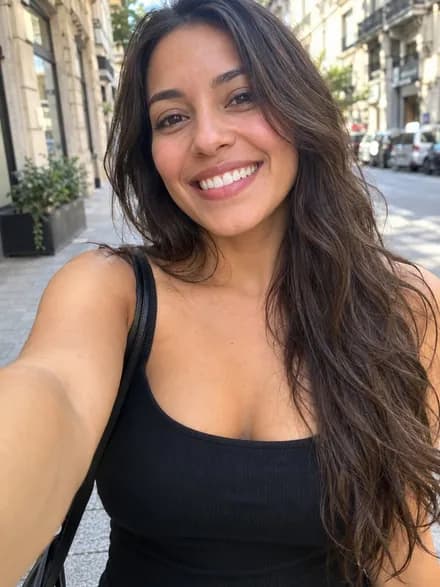 BEFORE
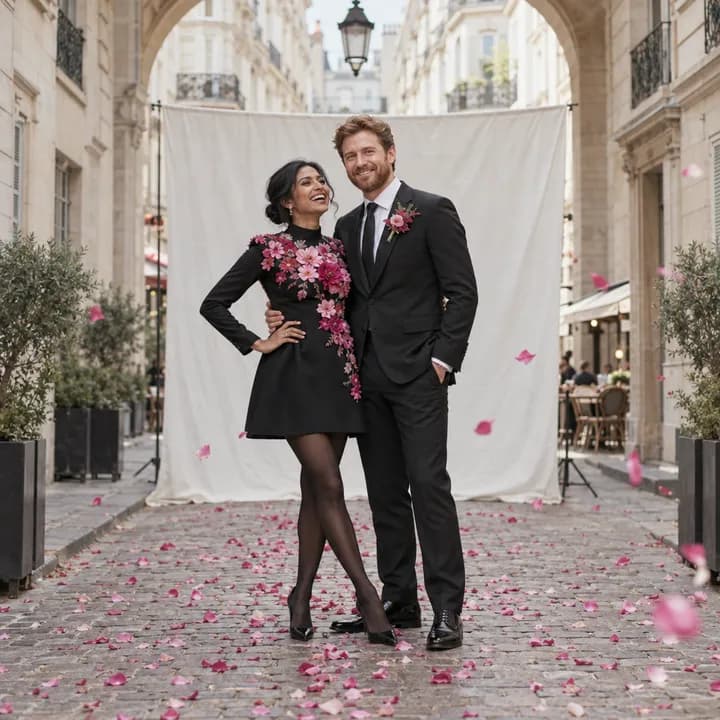
 AFTER
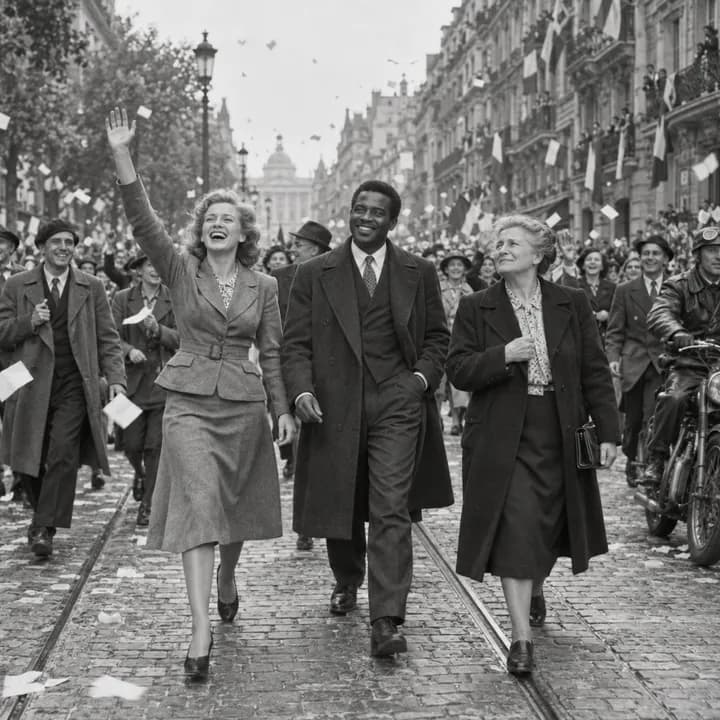
AFTER


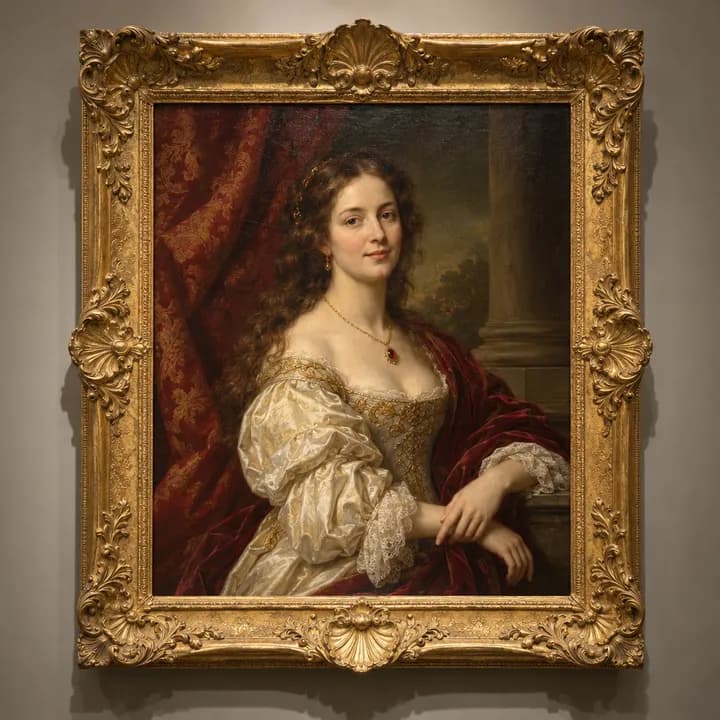
From a simple selfie to a scene that tells the story of your day
- BeforeAfter
- BeforeAfter
- BeforeAfter
Wedding photos that go beyond the group shot
Most of the time,
Your photographer is there for the big moments, and that’s essential. But they can’t be everywhere, all the time.
During cocktail hour or between courses, some guests hang back while others wait for the party to get going.
What you’re looking for,
An activity that brings guests of all ages together, with no bulky setup and no cables to plug in.
With PartyClic, everyone joins in from their own phone, laughs at the results and shares in the joy of your day.
An activity that fits right in without disrupting your schedule
You already have plenty on your mind: the venue, the menu, the decor, the music. Your photo activity shouldn’t add one more thing to your to-do list.
Display the QR code on your seating chart, menus or guest book, and your guests open it whenever they like. One selfie, one scene, and the photos land in your event gallery.
- QR code access on your guests’ smartphones
- Scenes that match the mood of your wedding
- An event gallery to find all your photos
Shared memories, from the first dance to the last toast
Every wedding has its own story, its own colors and its own guests. Your photo experience should reflect that.
Easy to set up
No equipment to plan for: a QR code is all your guests need to join in.
A look that matches your wedding
Pick scenes that follow your theme, your colors and the atmosphere you have in mind.
Every moment in one place
Find the images created during the celebration in your event gallery, and keep them long after the big day.
Photos that are easy to share
Your guests download their photos and send them to friends and family however they like.
A photo experience for every moment of your wedding
Cocktail hour and reception
While the newlyweds are busy with their photos, your guests have something fun to do. A selfie, a scene, a few laughs: the wait becomes a moment to share.
Dinner and the party
At the table or on the dance floor, everyone strikes a pose whenever the mood strikes. Generations mingle over the results, and the party comes alive.
How do you set up the photo experience for your wedding?
It all comes down to four steps:
Sign up for free
Create your account in moments, with nothing to install.
Create your event
Choose the theme and atmosphere that fit your wedding.
Share the QR code
Put it on your invitations, your menus or at the venue entrance. Your guests scan it with their smartphone.
Enjoy the celebration
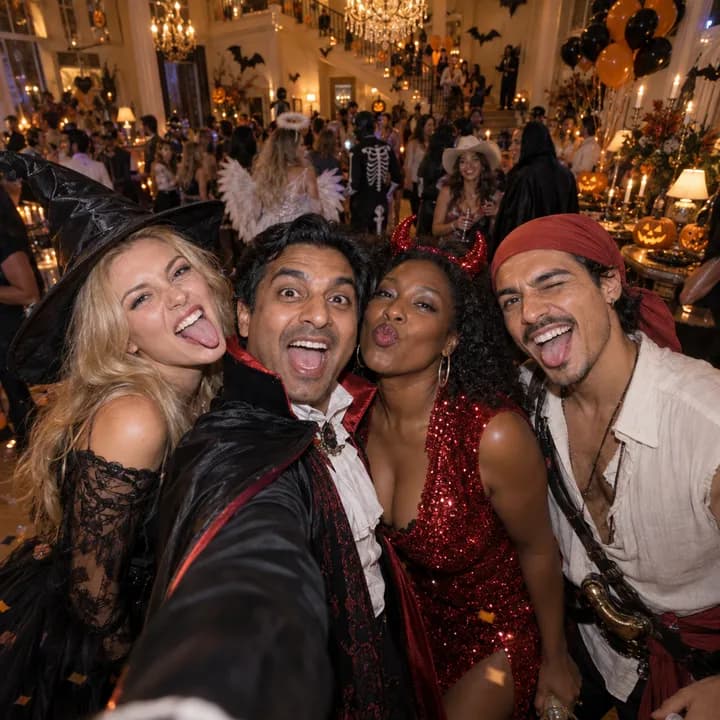
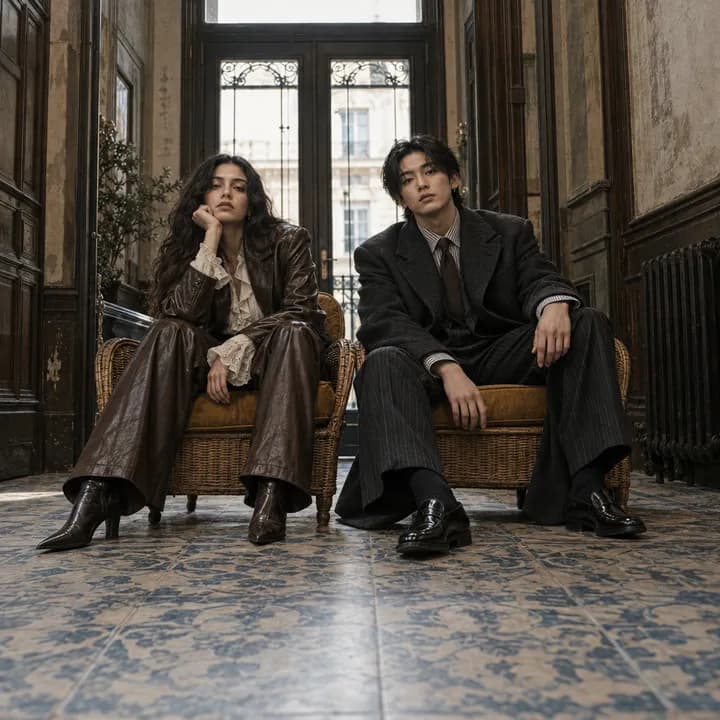
Each selfie is transformed to match the chosen scene. Your guests download and share their photos, and you’ll find everything in your event gallery.
Scenes that look like your wedding
Romantic, rustic, vintage, elegant or playful: choose scenes that carry through the decor and atmosphere of your day.
Fine-tune the visual style to your theme with the available options.

A simple experience, for you and your guests alike
Intimate ceremony or grand reception, every celebration is different. You stay in control of the scenes on offer and the overall atmosphere.
- Easy access from your guests’ phones
- Scenes tailored to your theme
- No setup required
- Downloading and sharing for guests, an event gallery for you
Questions about the AI photo booth for your wedding?
How much does the photo experience cost for a wedding?
Signing up is free and comes with AI credits so you can try the photo booth.
Beyond that, our plans for private events are quote-based, tailored as closely as possible to your wedding. See our pricing here.
Do guests need to install an app?
No. They scan the QR code and join in from their smartphone’s browser.
Can the scenes be tailored to our wedding theme?
Yes, choose the scenes that work for you. Colors, visuals and names can be set up using the available options. Review the result before the big day.
What do guests do after scanning the QR code?
They take their photo, choose a scene, and the AI generates a brand-new image from their selfie. They can download it and share it.
Where can we find the photos after the party?
All the images created during the event are collected in your wedding’s gallery.
Planning your wedding? Give your guests a photo experience they’ll never forget.